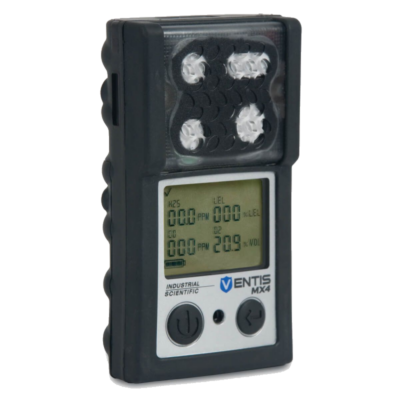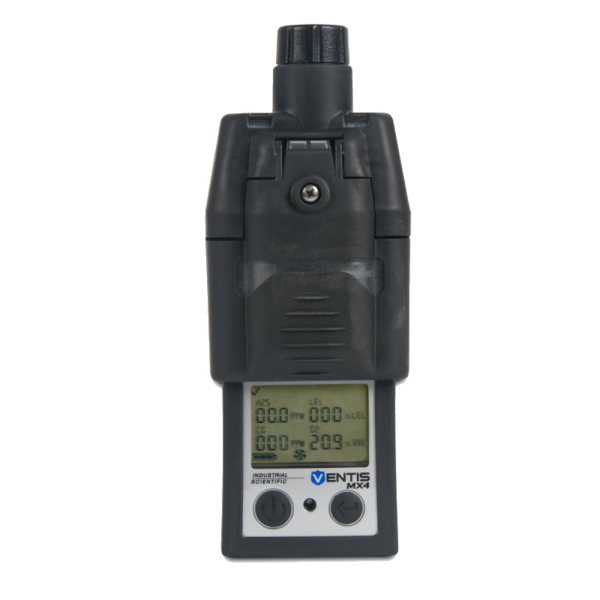
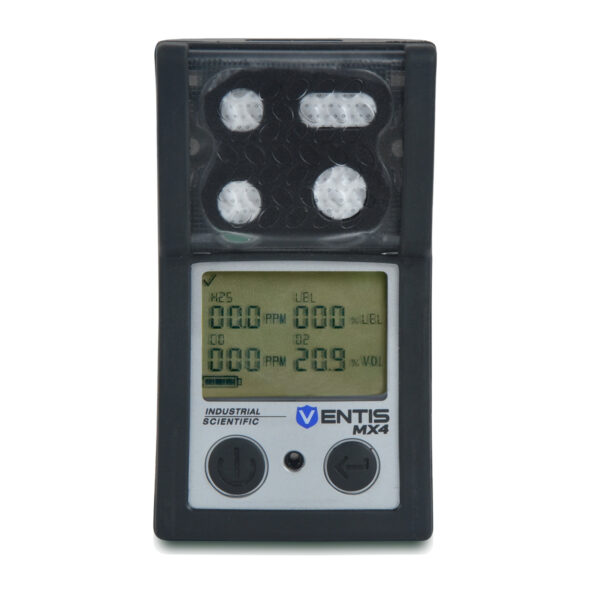
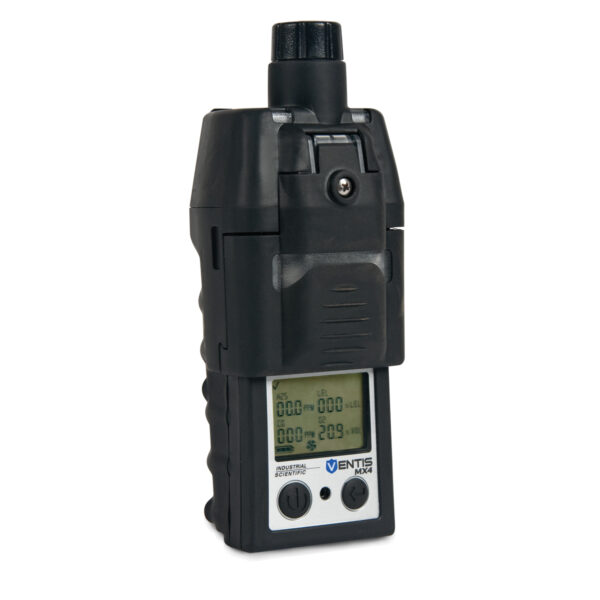
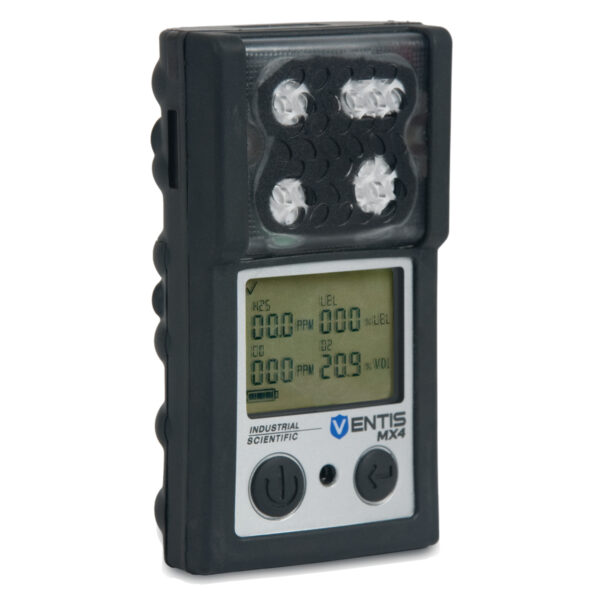

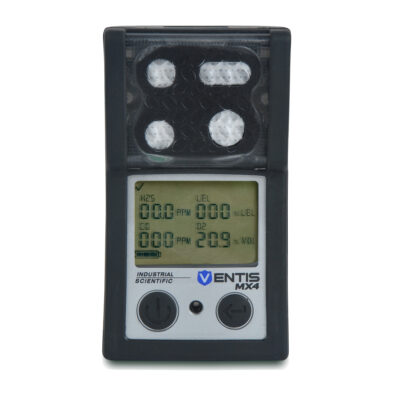
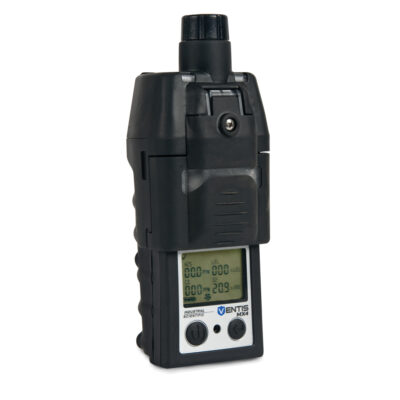
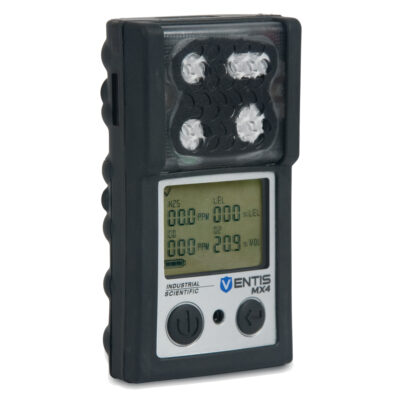
Portable Ventis MX4 Multi-Gas detector
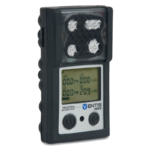
Multi-Gas Detector Features:
- Has a Visual alarm indicator to get Signals or warnings; frequency varies by alarm level. Also used as a confidence indicator.
- Calibration and bump test gas intake.
- Best user interface that backlight flashes when the monitor is in system, high, or low alarm states.
- Has exceptional durability in harsh, industrial environments.
- The compact size and weight allow for easy portability as a personal monitor.
- Audible alarm ports such as the 95 dB loud, ultra-bright visual, and strong vibration alarms. offer countless clear warnings in high-noise, low-light conditions.
- Supports automatic calibration, bump testing, instrument diagnostics, and record keeping, simplifying instrument management while you focus on other tasks.
- The Ventis MX4 can be used in diffusion mode or remote gas sampling mode with a removable clip-on pump.
- Records approximately 3 months of data for a 4 sensor configu- ration.
- Description
- Additional information
- Store Policies
- Inquiries
Description
Multi-gas monitor is intended to protect workers in a variety of work environments, including enclosed spaces such as manholes, sewers, and other low-ventilation areas. They detect combustible gasses such as oxygen (O2 Monitor), hydrogen sulfide (H2S Monitor), carbon monoxide (CO Monitor), and lower explosive levels (LEL Methane). The rugged multi-gas monitor used in conjunction with a DSXi Docking Station simplifies maintenance and reporting. So, when you need a small, portable, detection 4-gas monitor. Get the Ventis® MX4 Multi-Gas Detector from Saudi Supplier.
Product specifications:
- Brand: Ventis MX4
- Available in 2 colors: black or orange
- Alarms: Ultra-bright LEDs, loud audible alarm (95 dB at 30 cm) and vibrating alarm
- Display: Backlit LCD
- Power source: Rechargeable lithium-ion battery pack
- Dimensions: 103 x 58 x 30 mm
- Weight: 182 g lithium-ion battery version
- Operating temperature: -20 °C to 50 °C
How To Use:
- Turn on the instrument by pressing and hold for 3 seconds, then release for start-up.
- If You want to get the Zero Initiate screen. Press the start button multiple times.
- If you want to get a Bump test, Press on the start button until the Bump Test Initiate screen is shown, then Press the back button to initiate the bump test and apply the gas.
- You can clear the peak readings by pressing the start button until the peak readings screen is shown. Then press the back button to clear it.
Note: Ventis MX4 users should read and understand the Product Manual prior to unpacking or using the monitor.
Additional information
| color | Black |
|---|
General Inquiries
There are no inquiries yet.